
Technology
ASD-N Innovation Team
The ASD-N Innovation Team leads district-wide efforts to integrate technology and innovative practices into teaching and learning. We support educators in building digital skills, fostering creativity, and leveraging tools that enhance student engagement and achievement.
Our work includes:
- Designing and delivering professional learning focused on technology integration.
- Supporting schools in innovation planning and implementation.
- Building partnerships with organizations like Apple Canada, McKenna Institute, and Brilliant Labs.
- Providing resources and guidance on AI in education, digital creativity, and emerging technologies.
Students
Challenges and Resources
for all ages.
Partners
Bilingual STEM partners supporting sustainability, education, and innovation.
Contact
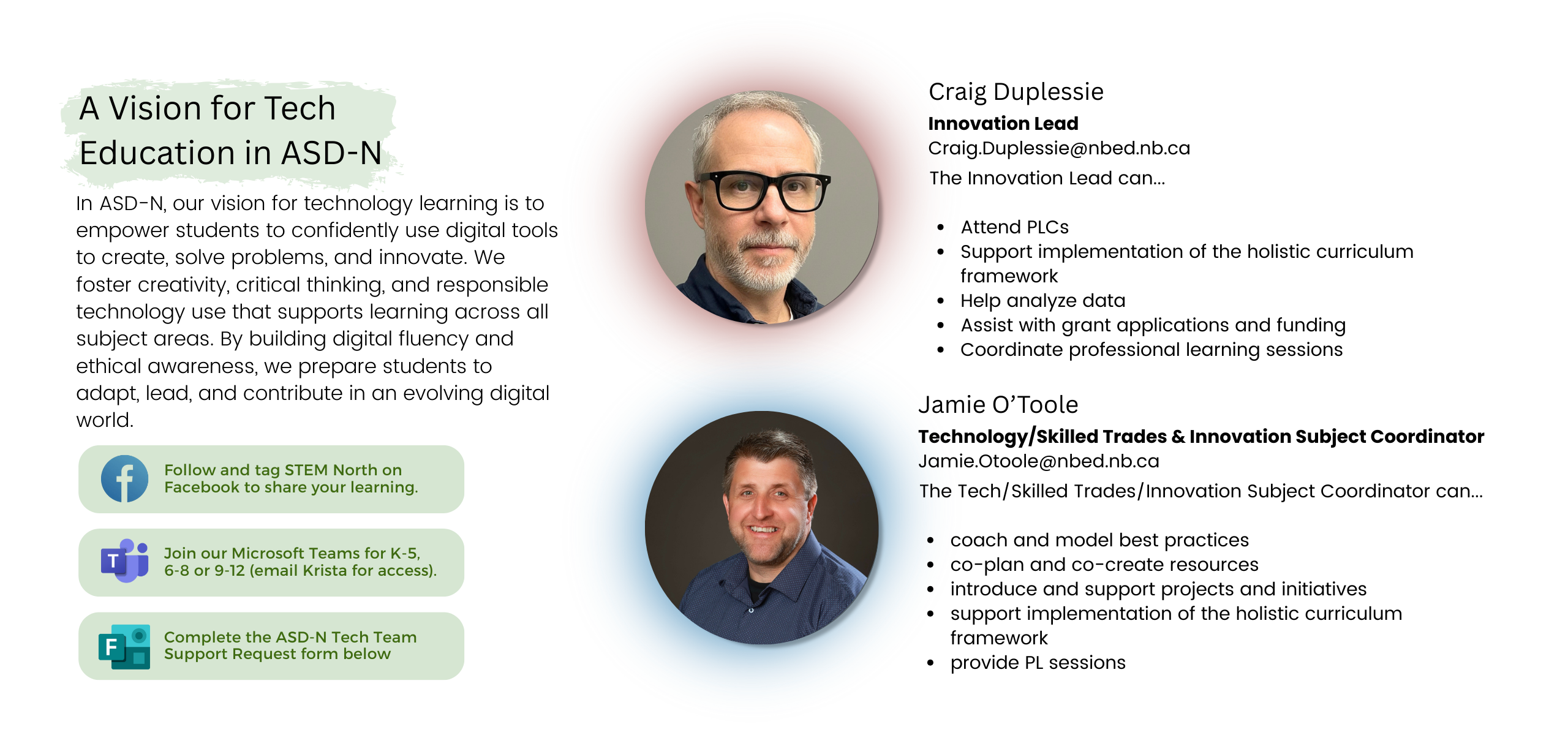
Request support, contact and vision.
Types of Professional Learning We Offer
Everyone Can Create Overview
Hands-on exploration of creative apps like Keynote, Pages, GarageBand, Clips, and Tayasui Sketches using Apple’s Everyone Can Create resources. Teachers learn to integrate drawing, music, video, and photography into any subject.
Digital Storytelling through Videography
Learn video planning, shooting, and editing with iPad and iMovie. Teachers discover how students can create PSAs, showcase learning, and develop persuasive communication skills.
Becoming a Certified Apple Teacher
A roadmap to Apple Teacher certification, including requirements, resources, and hands-on practice.
Creativity with Keynote on iPad
Go beyond presentations—design posters, social media graphics, and video animations using Keynote’s powerful features.
Introduction to Copilot
Practical strategies for using Microsoft Copilot to generate text, summarize content, create lesson materials, and streamline tasks.
SchoolAI for Educators
Explore how SchoolAI can support personalized learning, streamline classroom workflows, and provide safe, ethical AI tools for education.
Getting Started with Canva
Learn the basics of Canva’s interface and create your first project.
Designing with Canva
Apply design principles like layout, color, and typography to classroom resources.
Canva: From Teacher Tools to Student Projects
Discover ways to empower students to create and showcase their own work using Canva.
Professional Learning for 2025–2026
These sessions are part of our school year offerings, and more will be added throughout the year. Our focus is on empowering educators with creativity, digital fluency, and AI readiness.
Past PL Sessions
- Canva for Educators: Design Essentials
-
- December 4, 2025 – Atlantic Host Hotel, Bathurst
-
- Teaching and Learning with iPad in the Classroom
-
- December 3, 2025 – Atlantic Host Hotel, Bathurst
-
- Teaching and Learning with iPad in the Classroom
-
- November 14, 2025 – Rodd Miramichi River, Miramichi
-
- Canva for Educators: Design Essentials
-
- November 28, 2025 – Rodd Miramichi River, Miramichi
-
- Action Research with iPads
-
- November 3, 2025 – Miramichi
-
- Challenge-Based Learning
-
- November 4, 2025 – Miramichi
-